
GUIDE · UPDATED OCTOBER 2026
What is AI automation?
A plain-English guide.
AI automation is software that does work which used to need human judgement: reading, writing, checking and deciding, inside your business tools. Here is how it works, where it pays and where it does not.
- Audit free
- First workflow free
- Live in a week
When X happens, do Y
Your tools do thisRead, write, classify, summarise
UsefulActs like an experienced employee
Where value isWHAT YOU ALREADY USE
 Zapier
 Make
Make n8n
n8n Claude
 ChatGPT
 Slack
Slack HubSpot
01 / THE SHORT ANSWER
Automation follows rules.
AI handles judgement.
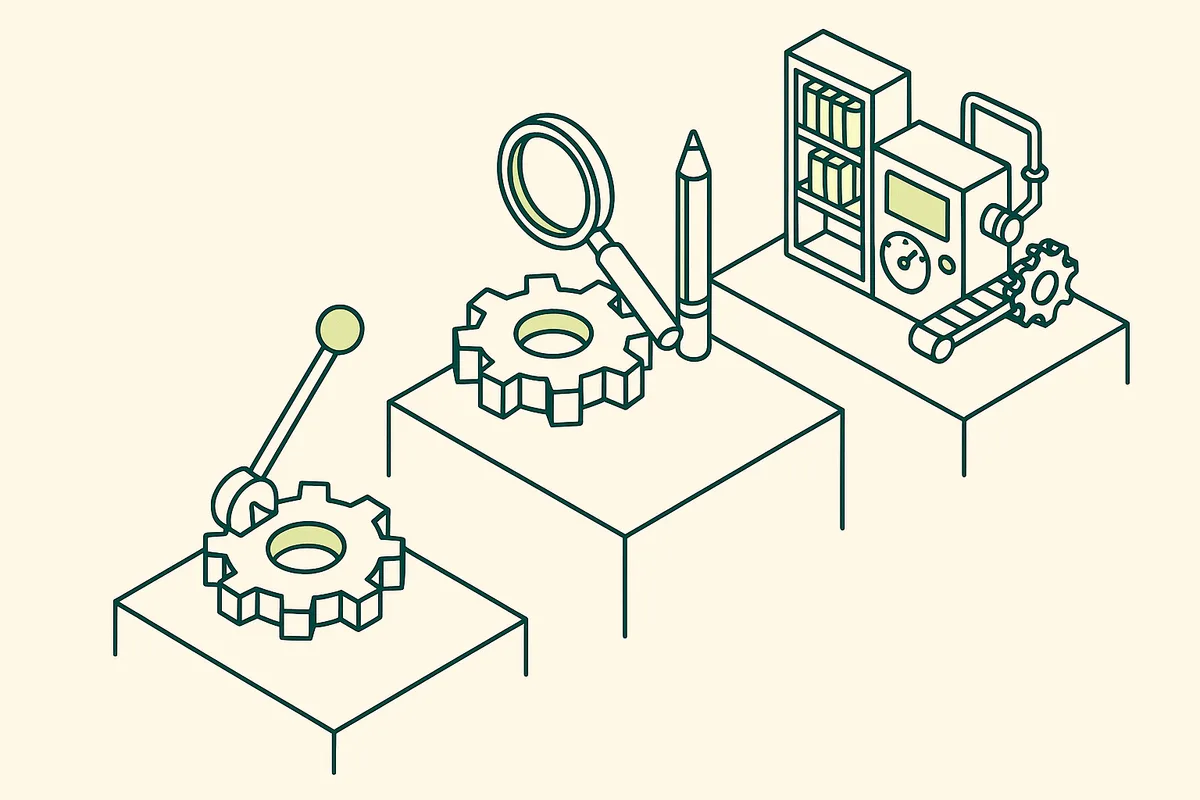
Classic automation moves data when something happens. AI automation can also read a document, write a reply, check a report and decide what a human should see.
If this, then that
A new form submission creates a CRM record. Fast and reliable, but it cannot understand anything.
Reads and writes
An email is read, its intent understood, a reply drafted and the CRM updated with what was agreed.
Acts like an employee
The draft uses the client’s history and your policies, and a reviewer agent checks it before a person approves.
WORKED EXAMPLE
One email, three levels
A client emails asking why their monthly fee went up. Here is what each level of automation does with it.
- Rules: the email is forwarded to the account manager
- AI: the email is read, tagged as a billing question and a generic reply drafted
- AI + knowledge: the reply cites the client’s contract, last year’s rate and the price change notice, ready for approval
A composite example with details changed. We do not name clients without their permission.
How AI automation works
An AI automation has three parts. A trigger starts it, such as a new email, a form, a schedule or a file. An AI model does the judgement step: reading, classifying, summarising, drafting or checking. And integrations carry the result into your tools, such as the CRM, accounting system, Slack or a document.
What separates useful AI automation from a demo is the fourth part most guides skip: company knowledge. A model that knows your pricing, past work, client history and approval rules gives answers your senior people would give. A model without it gives generic answers someone has to redo.
AI automation examples for business
These are the jobs where AI automation pays back fastest in service businesses:
- A daily morning briefing in Slack summarising pipeline, cash and client issues
- Client reports and presentations drafted from your data in your format
- Inbox triage with replies drafted from client history, sent after approval
- Research briefs gathered and summarised before meetings
- Client onboarding across CRM, billing and project tools without retyping
- Reviewer agents checking work against your rules before a senior signs off
Where AI automation does not pay
Not everything should be automated. Processes nobody has agreed on, decisions that legally need a person, and tasks that happen twice a year rarely return the effort. A good partner will tell you which of your ideas fall into these groups before building anything.
How to measure the ROI
Hours saved are the start, not the answer. The real measure is capacity: how many more clients the same team can serve once manual work is removed, and what that does to revenue per employee. If 10 people serve 100 clients today and half their time is manual work, removing most of it lets the same 10 serve far more. Our ROI calculator does this sum with your numbers.
Do you need an agency?
For simple connections between popular apps, often not: many tools now include connectors and basic AI features. You need a partner when the work depends on knowledge of your business, spans many tools, touches older systems without connectors, or needs approvals and audit trails. That is the work we do, starting with a free audit.
02 / HOW TO START
Start with one
high-return job.
Companies that succeed with AI automation start small, measure the return and widen from there. This is how we do it with clients.
We sit with the foundersFREE
One working session on how the business actually runs: the systems, the workflows, the people in each step, and the one lever that matters most this quarter.
We audit your stack and your knowledgeFREE
Which tools you run, where data is retyped between them, where know-how lives only in people’s heads, and which work is worth automating at all.
We build one workflow, free, inside a weekFREE
Not a demo. A real automation on your real tools, so you see the output and the time saved before you pay us anything.
We size the next builds on ROI
Hours saved, capacity gained, revenue unlocked. Each next build is priced against that number and agreed in writing before we start.
We stay on as your AI team
We monitor, fix, extend and train. Workflows change as your strategy changes, so we do not hand over one automation and disappear.
03 / WHAT IT CAN DO
Six jobs AI
already does well.
All six combine an AI model, your tools and your company knowledge.
Read
Documents, emails and forms understood and filed.
Write
Reports, replies, proposals and summaries drafted.
Check
Work reviewed against rules and source data.
Research
Information gathered and compared from many sources.
Connect
Data moved between tools without retyping.
Decide what needs a human
Routine handled, exceptions escalated.
04 / THE ROI LENS
The capacity
question.
Every AI automation decision should answer one question: how many more clients can the same team serve?
Run your own numbers| Example | Today | With the system |
|---|---|---|
| Manual hours per client | 6 | 1–2 |
| Clients per team of 10 | 100 | 250+ |
| New hires to grow | Several | Few or none |
Illustrative, not a client result. Your audit replaces these numbers with your own.
05 / WHAT WE WON’T BUILD
Saying no is
part of the job.
Most automation fails because someone automated the wrong thing. These are the builds we turn down.
- Automating a broken process before fixing it
- Removing human sign-off where it matters
- Buying tools before mapping the work
START HERE
See what AI could do
in your business.
Book a free audit. We map your workflows, show you where AI automation pays and build the first one free.
- A free audit of your systems, workflows and team
- One workflow built free, live inside a week
- A plan sized on ROI, priced before we build anything else
You talk to the people who build it, not an account manager.info@chronexa.io
Rather write it down first?
What is AI automation in simple terms?
Software that does work which used to need human judgement, like reading documents, writing replies or checking reports, and moves the results into your business tools automatically.
What is the difference between AI automation and workflow automation?
Workflow automation follows fixed rules: when this happens, do that. AI automation adds a judgement step, so it can understand content, write and decide what a person should review.
What are examples of AI automation?
Daily briefings in Slack, automated client reports, inbox triage with drafted replies, research summaries, client onboarding across tools and reviewer agents that check work before sign-off.
Is AI automation expensive?
It depends on the work, which is why we start with a free audit and a free first workflow. Every further build is priced against the return it produces.