
AI ROI CALCULATOR
How many more clients
could your team serve?
Time saved is only half the story. Put in your team size, clients and manual hours, and see the capacity and revenue per employee automation could unlock with the same people.
- Audit free
- First workflow free
- Live in a week
Assumes manual work is what limits how many clients you take on. The free audit checks that assumption against your real workflows.
WHAT YOU ALREADY USE
 Google Sheets
 Excel
Excel QuickBooks
 HubSpot
 Slack
Slack Notion
 Claude
01 / WHY CAPACITY, NOT HOURS
Saved hours
are not revenue yet.
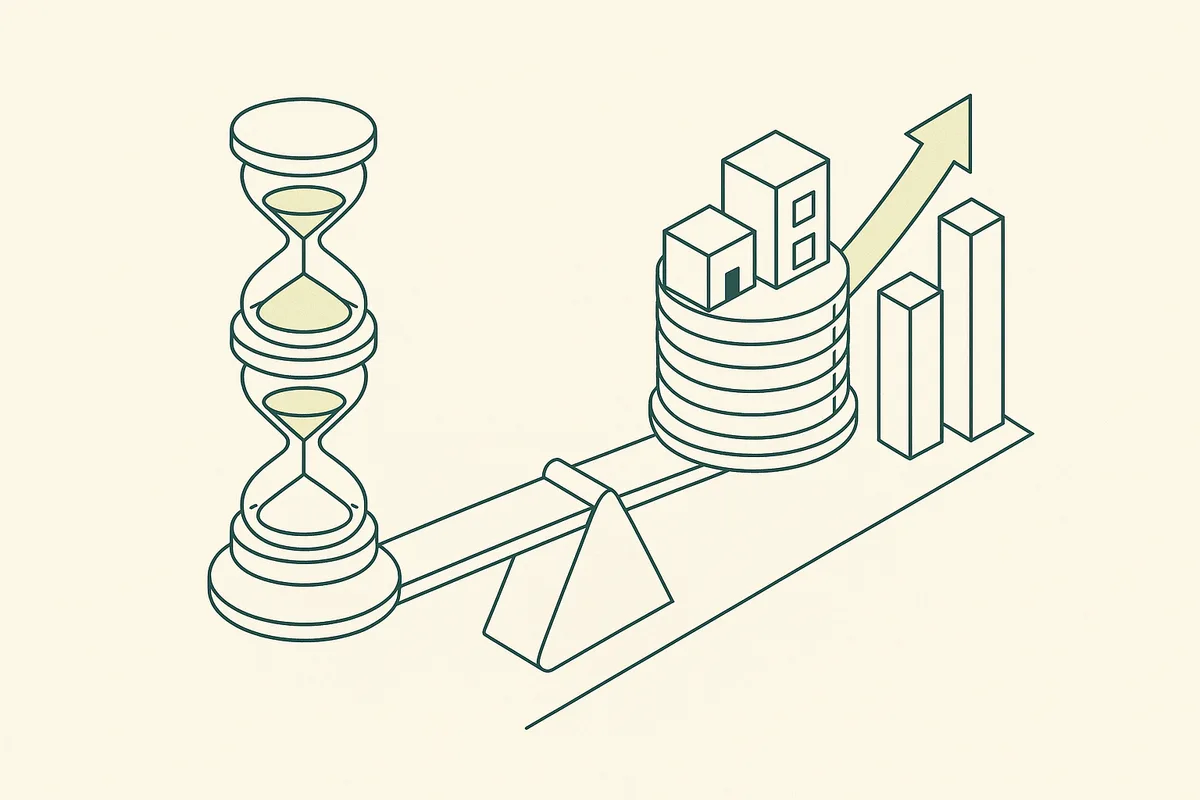
Most ROI calculators stop at hours saved. Those hours only matter when they let you serve more clients or stop hiring for low-level work.
Time back
The starting point: manual work removed from each client or each week.
More clients, same team
If manual work limits growth, removing half of it roughly doubles what the team can take on.
Revenue per employee
The number that shows whether AI changed the business: revenue divided by headcount.
EXAMPLE ENGAGEMENT
A 10-person bookkeeping firm
The firm served 100 clients a month and turned new ones away. Each client took about six hours of manual reconciliation and chasing.
- Bank and invoice data pulled automatically into the ledger
- Exceptions flagged for review instead of every line checked
- Monthly client summaries drafted automatically
A composite example with details changed. We do not name clients without their permission.
02 / MAKING THE NUMBER REAL
From estimate
to evidence.
The calculator is a starting point. The audit replaces every assumption with your real workflows.
We sit with the foundersFREE
One working session on how the business actually runs: the systems, the workflows, the people in each step, and the one lever that matters most this quarter.
We audit your stack and your knowledgeFREE
Which tools you run, where data is retyped between them, where know-how lives only in people’s heads, and which work is worth automating at all.
We build one workflow, free, inside a weekFREE
Not a demo. A real automation on your real tools, so you see the output and the time saved before you pay us anything.
We size the next builds on ROI
Hours saved, capacity gained, revenue unlocked. Each next build is priced against that number and agreed in writing before we start.
We stay on as your AI team
We monitor, fix, extend and train. Workflows change as your strategy changes, so we do not hand over one automation and disappear.
03 / WHERE THE HOURS USUALLY ARE
Six places
we look first.
In most service businesses, these six account for most of the manual hours.
Research and preparation
Gathering information before client work can start.
Reports and presentations
Pulling data, writing it up, formatting and checking.
Email and follow-ups
Chasing, answering and updating clients.
Data entry between tools
Retyping the same information into several systems.
Review and rework
Seniors checking and correcting junior work.
Onboarding
Setting up each new client across systems.
04 / THE ROI LENS
10 people,
100 clients. Then?
The question we ask every founder: what would it take for the same team to serve five times the clients?
| Example | Today | With the system |
|---|---|---|
| Team | 10 | 10 |
| Clients per month | 100 | 250–500 |
| Revenue per employee | $180k | $450k–$900k |
| Low-level hires needed | Several | None |
Illustrative, not a client result. Your audit replaces these numbers with your own.
05 / WHAT WE WON’T BUILD
Saying no is
part of the job.
Most automation fails because someone automated the wrong thing. These are the builds we turn down.
- ROI claims without your real numbers
- Counting hours that do not become capacity
- Automations that cost more to run than they save
START HERE
Turn the estimate
into a plan.
Book the free audit with your numbers. We check every assumption against your workflows and build the highest-return one free.
- A free audit of your systems, workflows and team
- One workflow built free, live inside a week
- A plan sized on ROI, priced before we build anything else
You talk to the people who build it, not an account manager.info@chronexa.io
Rather write it down first?
How do you calculate AI ROI?
Start with the manual hours per client or per week, estimate the share AI can safely remove, and convert the freed time into capacity: how many more clients the same team can serve. Multiply by revenue per client and compare with the cost of the build.
What is a good revenue per employee?
It varies by industry, but for service businesses it is usually limited by how much manual work each client needs. Automation raises it by letting each person handle more clients, not by working longer.
How accurate is this calculator?
It is a simple capacity model and assumes manual work is what limits growth. The free audit checks that assumption and replaces every number with your own.
How much does it cost?
There is no single price, because no two companies run the same way. The audit is free and the first workflow is free. After that, every build is priced against the return it produces, agreed in writing before work starts. Most clients start with one high-return workflow and add more once it pays for itself.