
How a D2C Brand Connected Orders, Support and Returns
The brand’s storefront was working, but exceptions were handled through screenshots and forwarded emails. Support could not see inventory context, warehouse updates or whether a return had already been approved.
- Proof basisMarket solution story
- IndustryEcommerce
- Year2026
- ServicesWorkflow Automation, System Integration, AI Automation
This is a market solution story built from Chronexa’s research into real businesses, roles, technology stacks and operating problems. It shows how we would engineer the system. It is not presented as a named client deployment, and no unverified savings or performance result is claimed.
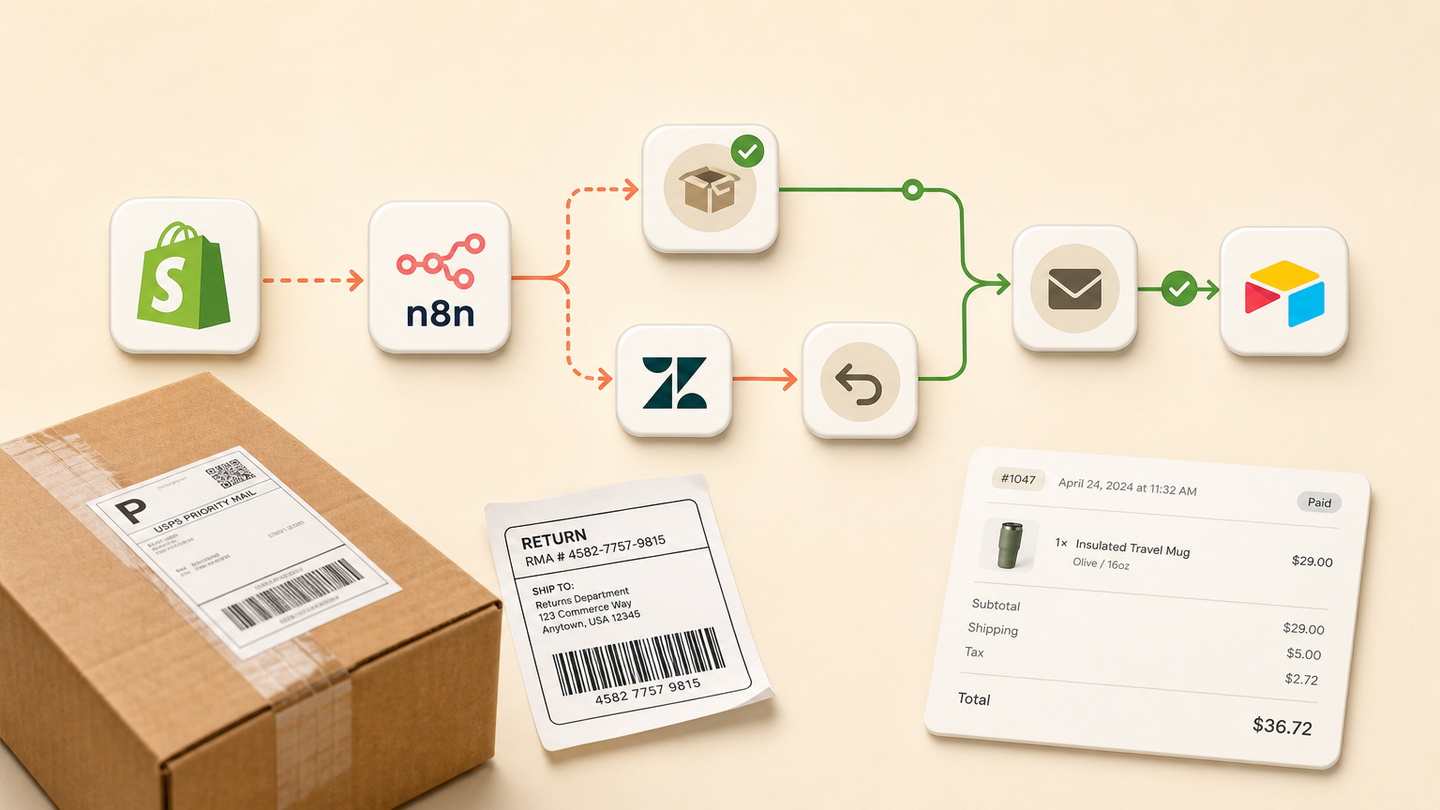
The short answer
We designed an ecommerce workflow that listens to Shopify order events, checks inventory and fulfilment state, routes exceptions into Zendesk, controls return decisions and writes a shared Airtable operations record. Customers receive updates only after the source system confirms the change.
Tools and systems used
- Shopify
- n8n
- Zendesk
- Airtable
- Slack
- Email or WhatsApp
Growth created work between the tools
The brand had a storefront, help desk and fulfilment process, but no dependable handoff when an order stopped following the happy path. Agents copied order numbers into chat. Warehouse answers returned later. Customers repeated the same story to several people.
The goal was to make exceptions easier to resolve without building a new commerce platform.
How the workflow runs
- Listen to Shopify
Receive paid, fulfilled, cancelled and return events.
- Check current state
Read the live order, inventory and fulfilment record before acting.
- Detect exceptions
Identify stock, address, payment and shipment conditions that need attention.
- Create one operations case
Write the source IDs and current state into Airtable and Zendesk.
- Approve the resolution
A person confirms refunds, replacements and policy exceptions.
- Update and notify
Write the approved change to Shopify, then send the customer update.
The system we designed
Shopify webhooks enter n8n and are checked against the live order. Rules classify the exception and create or update one Airtable operations record. Zendesk receives the useful order context and a link, not a full copy that will become stale.
A refund, replacement or address change remains a controlled action. After a person approves it, n8n writes to Shopify and checks the response. Only then does the chosen email or WhatsApp template run.
How the brand would judge it
Measure time to resolve exceptions, contacts per order, duplicate cases, manual status checks, refund errors and repeat purchase after support. The workflow contributes to those outcomes but should not be credited for all ecommerce growth.
The important pattern is read before write
Every action begins by reading the current order state. This prevents an old support message from overwriting a newer fulfilment event. Event IDs provide idempotency and failed writes stay open.
Why the operating record is separate
Airtable holds cross-system work and ownership. Shopify holds commerce truth. Zendesk holds the customer conversation. The workflow links them rather than forcing one tool to pretend it is all three.
Safeguards and failure handling
- Shopify remains the order source of truth.
- Refunds and replacements require allowed status and approval.
- Webhook replay uses the Shopify event ID.
- Customer messages run only after the write succeeds.
- Every exception keeps the order and support case IDs.