
AI EMAIL MANAGEMENT
An inbox that knows
your clients.
We build AI that sorts every inbox by what matters, files what does not, and drafts replies that already know the client’s history and your policies. Nothing is sent without a person saying yes.
- Audit free
- First workflow free
- Live in a week
WHAT YOU ALREADY USE
 Gmail
Gmail Outlook
 HubSpot
 Salesforce
 Slack
Slack Notion
 Claude
01 / WHY EMAIL EATS THE DAY
Sorting and answering
is the job now.
For many senior people, email is the work. Most of it is routine, but finding the urgent 10% takes the whole morning.
Too much to read
Important client emails buried under notifications and pitches.
Same answers, retyped
Policy questions answered from scratch every time.
History is elsewhere
The reply needs the CRM, past emails and the contract, all in other tabs.
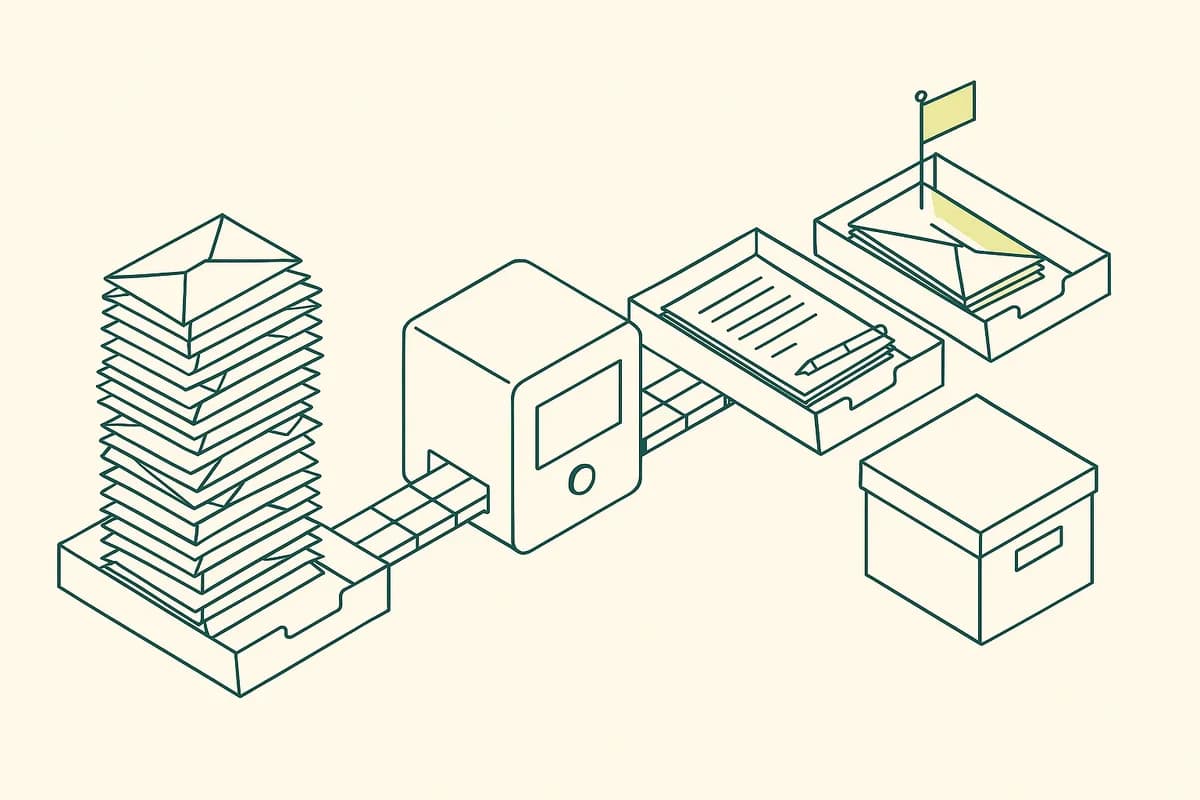
EXAMPLE ENGAGEMENT
A 12-person wealth advisory practice
Advisors spent the first two hours of every day in email. Routine client questions about statements and transfers took the same answers, retyped.
- Triage across advisor and shared inboxes
- Drafted replies using client history and the firm’s policies
- CRM notes and follow-up tasks created from every thread
A composite example with details changed. We do not name clients without their permission.
02 / HOW WE BUILD IT
Sort, draft,
approve.
We start with one inbox and one type of email, then widen.
We sit with the foundersFREE
One working session on how the business actually runs: the systems, the workflows, the people in each step, and the one lever that matters most this quarter.
We audit your stack and your knowledgeFREE
Which tools you run, where data is retyped between them, where know-how lives only in people’s heads, and which work is worth automating at all.
We build one workflow, free, inside a weekFREE
Not a demo. A real automation on your real tools, so you see the output and the time saved before you pay us anything.
We size the next builds on ROI
Hours saved, capacity gained, revenue unlocked. Each next build is priced against that number and agreed in writing before we start.
We stay on as your AI team
We monitor, fix, extend and train. Workflows change as your strategy changes, so we do not hand over one automation and disappear.
03 / WHAT IT DOES
Your inbox,
pre-handled.
Every message is read, sorted and prepared before you open it.
Priority triage
Urgent, important, routine and noise, sorted automatically.
Drafted replies
In your voice, using client history and your policies.
CRM updates
Contacts, deals and notes updated from email, no retyping.
Follow-up tracking
Nothing waits more than a day without someone knowing.
Shared inboxes
Support and info@ inboxes routed to the right person.
Escalation
Anything sensitive goes straight to the right senior person.
04 / THE ROI LENS
Mornings
given back.
For senior people, an hour of inbox time saved is an hour of client or strategy work.
Run your own numbers| Example | Today | With the system |
|---|---|---|
| Hours on email / person / day | 2.5 | 1 |
| Time to first reply | 1 day | Same morning |
| Missed follow-ups / month | Several | Near zero |
| CRM updated from email | Rarely | Always |
Illustrative, not a client result. Your audit replaces these numbers with your own.
05 / WHAT WE WON’T BUILD
Saying no is
part of the job.
Most automation fails because someone automated the wrong thing. These are the builds we turn down.
- Sending emails to clients without approval
- Reading inboxes beyond agreed scope
- Answering legal or financial questions alone
- Storing email content outside your control
START HERE
Take back
your mornings.
Book the free audit. We set up triage and drafted replies on one inbox, free, inside a week.
- A free audit of your systems, workflows and team
- One workflow built free, live inside a week
- A plan sized on ROI, priced before we build anything else
You talk to the people who build it, not an account manager.info@chronexa.io
Rather write it down first?
What is AI email management?
AI that reads incoming email, sorts it by priority, files what does not need you, drafts replies using your client history and policies, and keeps your CRM updated, with a person approving anything that is sent.
Will it send emails on its own?
Only if you explicitly allow it for a narrow category, like confirming receipt. By default every reply is a draft waiting for approval.
Do we have to change our software?
No. Our first job is to connect what you already use. Where a tool has no connector, we build one through its API or a custom MCP server. If you want to move to a more modern stack, we will recommend tools, migrate your data and set it up, but we never force it.
How much does it cost?
There is no single price, because no two companies run the same way. The audit is free and the first workflow is free. After that, every build is priced against the return it produces, agreed in writing before work starts. Most clients start with one high-return workflow and add more once it pays for itself.
How fast do you ship?
The first working automation goes live inside a week, including the infrastructure it runs on. Larger systems are shipped in weekly increments, so you see progress every week rather than at the end.