The Compliance-Speed Trap Costing CPA Firms Thousands of Hours Each Year
The average CPA firm spends 60–70% of staff time manually entering data from PDFs, scanned forms, and email attachments into tax software, according to a 2026 GIANTY case study analyzing small to mid-sized accounting practices. That is not a workflow inefficiency. That is a structural liability — one that compounds during peak filing periods, inflates extension rates, and forces senior CPAs into review backlogs that stretch from days into weeks.
The instinct for most regulated professional services firms is to treat automation with caution. Audit trails must be intact. Regulatory language must be precise. Client data cannot leak across disconnected systems. Those concerns are legitimate. But the data is equally clear: the firms that continue relying on manual document processes are not protecting compliance — they are accumulating risk through inconsistency, human error, and version fragmentation.
A Forrester Consulting study commissioned by Thomson Reuters documented 148% ROI over three years and a $1.7 million net present value for organizations that implemented automated direct tax workflows. A regional 12-person CPA firm cut average document collection lag from 19.2 days to 6.1 days — a 68% reduction — and recovered 840 staff hours annually after deploying structured workflow automation. These outcomes are not outliers. They represent what becomes possible when document automation is implemented with compliance architecture built in from the start, not bolted on afterward.
This post breaks down what document automation tools for regulated industries actually need to deliver for CPA firms, where manual workflows are creating the most measurable damage, and how Chronexa builds the compliance-first automation infrastructure that lets firms move faster without surrendering control.
Where Manual Document Workflows Break Down in CPA Environments
Before evaluating any compliance automation software, it is worth being precise about where manual processes fail in regulated accounting contexts. The failure modes are not random — they cluster in four operational areas.
Fragmented document intake. Documents arrive through email, messaging apps, shared folders, and client portals simultaneously. There is no centralized intake layer, which means no consistent version control, no unified access logging, and no reliable chain of custody. When a document touches five inboxes before reaching the preparer, reconstructing that trail for an audit becomes a manual investigation rather than an automated report.
High-error manual extraction. Firms processing individual and corporate tax returns across PDF, scanned, and text formats face extraction errors that compound downstream. A 2026 Docspire case study found that automating data extraction from income tax return forms produced a 10% reduction in extraction errors and an 80% reduction in extraction time, alongside 3x faster turnaround on tax return filing and financial statement preparation. The error reduction matters as much as the time savings — inaccurate data entry is a compliance exposure, not just an operational nuisance.
Client communication gaps. Document collection workflows that rely exclusively on email are structurally incomplete for current client demographics. One case study found email open rates for reminder communications running at only 37%, while 40% of younger clients rarely engage with email at all. Firms running single-channel follow-up are not just slow — they are operating with a collection model that has significant coverage gaps built into it by default.
Inconsistent document generation. Goodman Jones LLP, a London-based accountancy firm, documented what most CPA professionals already know from experience: producing Letters of Engagement and Letters of Representation manually across eight entity types and multiple engagement formats introduced persistent risks of incorrect legal terminology, missing conditional clauses, and inconsistent fee calculations. Before automation, each document required 15–20 minutes of manual drafting. The compliance exposure was not hypothetical — wrong references to the Companies Act versus the Charities Act, missing FATCA declarations, or incorrect signature blocks create real liability.
These four failure modes share a common thread: they are not problems that better training or additional headcount resolves at scale. They require architectural solutions — specifically, automated workflows that encode compliance requirements as operational logic rather than leaving them dependent on individual staff judgment.
What Regulated Document Processing Actually Requires
The compliance requirements for CPA document workflows are more specific than generic enterprise document automation platforms are designed to handle. Firms operating under IRS standards, state CPA licensing requirements, engagement letter obligations, and data privacy regulations need automation infrastructure that addresses several non-negotiable functional requirements.
Audit trail automation at the workflow level. Every document action — intake, extraction, review, approval, transmission — must generate a timestamped, immutable log entry. This is not the same as a system activity log. It means the audit trail is a first-class output of the workflow itself, structured so it can be produced on demand without manual reconstruction. GIANTY's case study implementation included a real-time dashboard providing end-to-end visibility across document processing stages — a design pattern that treats auditability as a workflow feature rather than an afterthought.
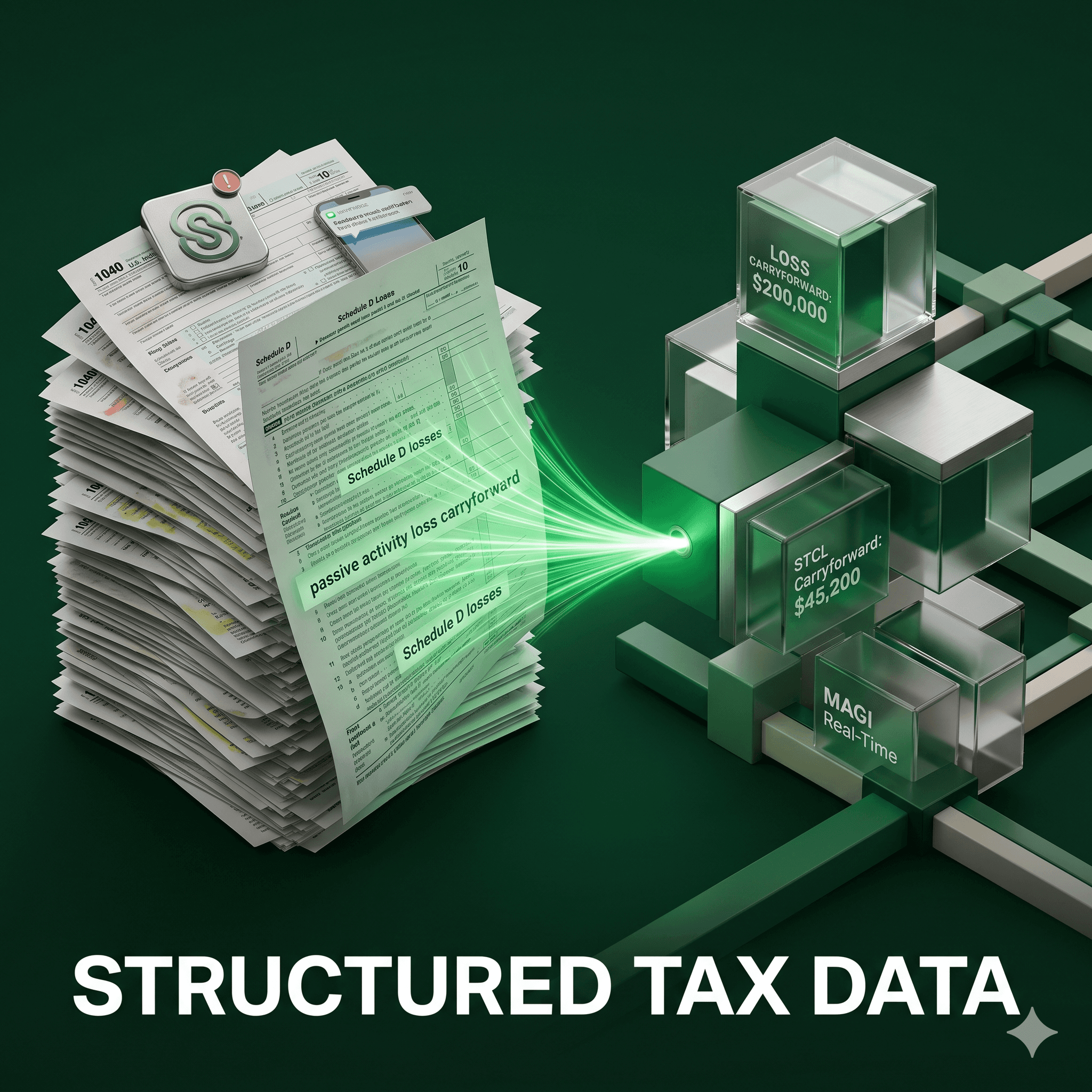
Accuracy thresholds that support regulatory confidence. GIANTY's AI tax processing system achieved over 90% extraction accuracy across 14 IRS forms — including complex K-1 and 1099 series — exceeding their 85% accuracy target and covering approximately 95% of a typical CPA firm's document volume. Automation that operates below reliable accuracy thresholds does not reduce compliance risk; it redistributes it into a harder-to-detect layer of the workflow.
Entity-aware document logic. Engagement letters, representation letters, and compliance filings require different language, references, and structural requirements depending on entity type. Goodman Jones' implementation handled this through conditional content logic — automatically selecting entity-specific wording, act references, and signature structures based on form inputs. The result was document generation in approximately 2 minutes compared to 15–20 minutes manually, with consistency enforced at the system level rather than the individual level.
CRM and document management integration. Regulated document workflows cannot operate as isolated automation islands. Data must flow from the CRM to populate engagement documents, and completed documents must file automatically into the correct client folder with consistent naming conventions. Goodman Jones' implementation connected Power Automate to Dynamics 365 CRM and iManage document management, ensuring client records stayed current and documents were filed without manual intervention. That integration layer is what converts a document automation tool into an audit-ready workflow.
Multi-channel client communication. Compliant document collection requires reaching clients through channels they actually use. SMS-enhanced workflows have demonstrated measurably better collection rates — the 12-person CPA firm case study showed Stage 1 deadline collection jumping from 31% to 58% after adding SMS reminders to their workflow stack, with staff escalations dropping from 34% to 11%.
The ROI Case for Compliance-Grade Document Workflow Automation
For CPA firm partners evaluating investment in document workflow automation, the financial case is well-documented across multiple practice sizes and automation scopes.
The most comprehensive third-party benchmark comes from the Forrester Consulting study on automated direct tax workflows: $2.8 million in documented benefits over three years, with a 50% reduction in tax preparation time and a three-year ROI of 148%. These figures represent organizations that committed to structured automation with compliance governance built in — not firms that layered automation tools onto fragmented existing processes.
At the smaller firm level, the numbers remain compelling. The 12-person regional CPA firm case study reported:
840 staff hours recovered annually, valued at $26,880 in administrative time at $32/hour
51 fewer extension filings, saving $21,675 in extension preparation costs
Overtime reduction saving $8,640 annually
Faster revenue timing generating an estimated $18,500 in improvement
Total annual benefit of $75,695 against a platform cost of $6,800, yielding a net ROI of $68,895 — approximately a 1,013% first-year return
The Docspire implementation produced an 80% reduction in data extraction time and a 3x improvement in turnaround speed for tax return filing — operational gains that translate directly to throughput capacity during peak filing seasons without requiring additional headcount.
GIANTY's case study documented a 70% reduction in processing time and a review cycle compressed from 8 weeks to 2–5 days. For senior CPAs whose time is the firm's highest-cost resource, eliminating 8-week review backlogs is not an operational improvement — it is a strategic reallocation of the firm's most constrained capacity.
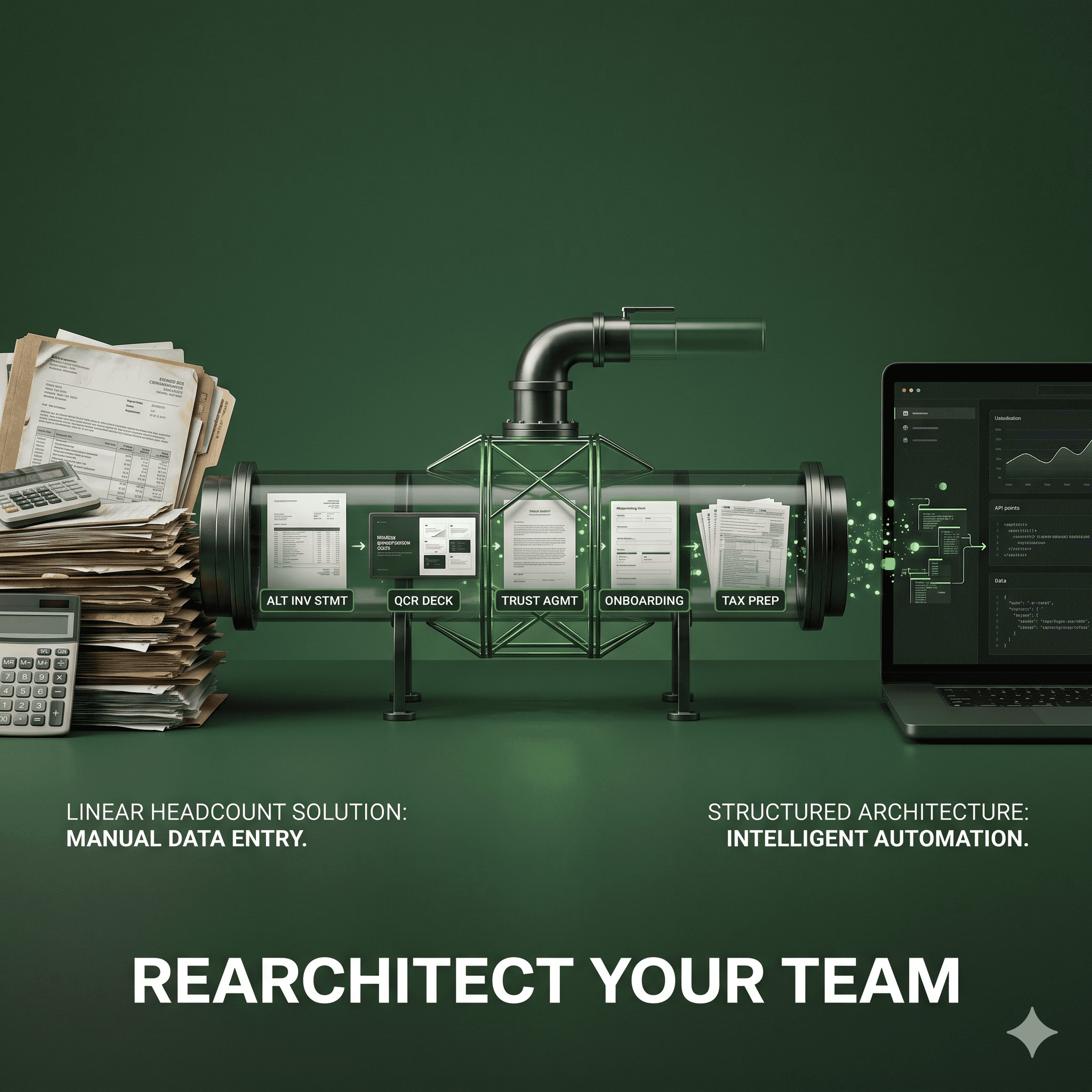
The pattern across these case studies is consistent: the firms generating the highest returns are not those that automated one task in isolation. They are the firms that automated the document workflow as an end-to-end system — intake, extraction, validation, communication, generation, filing, and audit trail — with compliance logic encoded throughout.
How Chronexa Builds Document Automation for Regulated Industries
Most document automation platforms are built for volume, not governance. They reduce manual steps but introduce new fragmentation: separate tools for intake, extraction, communication, and filing that do not share a common data layer or produce a unified audit trail. For CPA firms operating under regulatory scrutiny, that fragmentation is not neutral — it creates compliance gaps between systems that are difficult to close and nearly impossible to audit retroactively.
Chronexa takes a different architectural position. Rather than connecting existing SaaS tools through fragile point-to-point integrations, Chronexa designs and deploys custom AI-orchestrated document workflows on n8n — a single, auditable automation layer that handles the full document lifecycle within the compliance requirements specific to your practice.
For CPA firms, that means workflows built around your actual regulatory obligations:
Compliant document intake with centralized logging, access control, and version tracking from the moment a document enters your environment
AI-powered data extraction calibrated for IRS form types, including W-2, K-1, 1099 series, and corporate returns, with accuracy validation built into the extraction stage rather than discovered during review
Entity-aware document generation for engagement letters, representation letters, and compliance filings — with conditional logic that enforces correct legal language, act references, and entity-specific requirements automatically
Multi-channel client communication workflows that sequence email, SMS, and portal notifications based on client response behavior, reducing collection lag and staff escalation workload simultaneously
Automated audit trail generation that produces timestamped, structured records of every document action across every workflow stage — accessible on demand, not reconstructed under pressure
CRM and document management integration that keeps client records synchronized and files completed documents automatically with consistent naming and folder logic
The critical differentiator is that compliance is not a feature added to the automation — it is the design constraint the automation is built around. Every workflow Chronexa deploys for a CPA firm is architected with the assumption that the output will face regulatory scrutiny, client disputes, or internal audit review. The audit trail is not a log. It is a first-class deliverable.
This matters because the governance failure mode in most CPA document automation implementations is not the automation itself — it is the gaps between automated steps where data moves through unlogged channels, manual interventions occur without documentation, and version control breaks down. Chronexa's n8n-based orchestration layer closes those gaps by making the entire workflow — including every exception, override, and human touchpoint — part of the auditable record.
Moving From Manual Processes to Compliance-Grade Automation
The case studies reviewed in this post span firm sizes from 12-person regional practices to larger accountancy firms serving complex entity types. Across all of them, the firms that achieved the highest operational and financial returns shared one characteristic: they treated document workflow automation as a compliance infrastructure investment, not a productivity tool.
That distinction matters for how the investment is scoped and evaluated. A productivity tool is measured by time saved on individual tasks. Compliance infrastructure is measured by risk reduction, audit readiness, client collection rates, extension avoidance, and the scalable capacity to handle volume growth without proportional headcount increases.
The documented outcomes are consistent across the research base. Processing times drop 50–70%. Review cycles compress from weeks to days. Collection rates improve by 19–27 percentage points. Staff escalations fall by more than half. Extension filing rates decrease. And firms that deploy end-to-end automated workflows — rather than single-point automation tools — consistently report ROI that exceeds 100% in Year 1.
For CPA firms still managing document collection through email threads, drafting engagement letters from Word templates, and reconstructing audit trails manually when needed, the question is not whether automation delivers measurable value. The data on that is settled. The question is whether your automation infrastructure is built with the compliance architecture that regulated document processing actually requires — or whether you are accumulating new fragmentation risks in exchange for partial efficiency gains.
Chronexa builds the kind of document automation that CPA firms in regulated environments need: end-to-end, auditable, compliance-first, and designed around your specific workflow requirements rather than adapted from a generic SaaS template.
If your firm is ready to replace fragmented manual document processes with a workflow that holds up under regulatory scrutiny, contact Chronexa to scope a custom document automation build for your practice.
About author
Ankit is the brains behind bold business roadmaps. He loves turning “half-baked” ideas into fully baked success stories (preferably with extra sprinkles). When he’s not sketching growth plans, you’ll find him trying out quirky coffee shops or quoting lines from 90s sitcoms.

Ankit Dhiman
Head of Strategy
Subscribe to our newsletter
Sign up to get the most recent blog articles in your email every week.