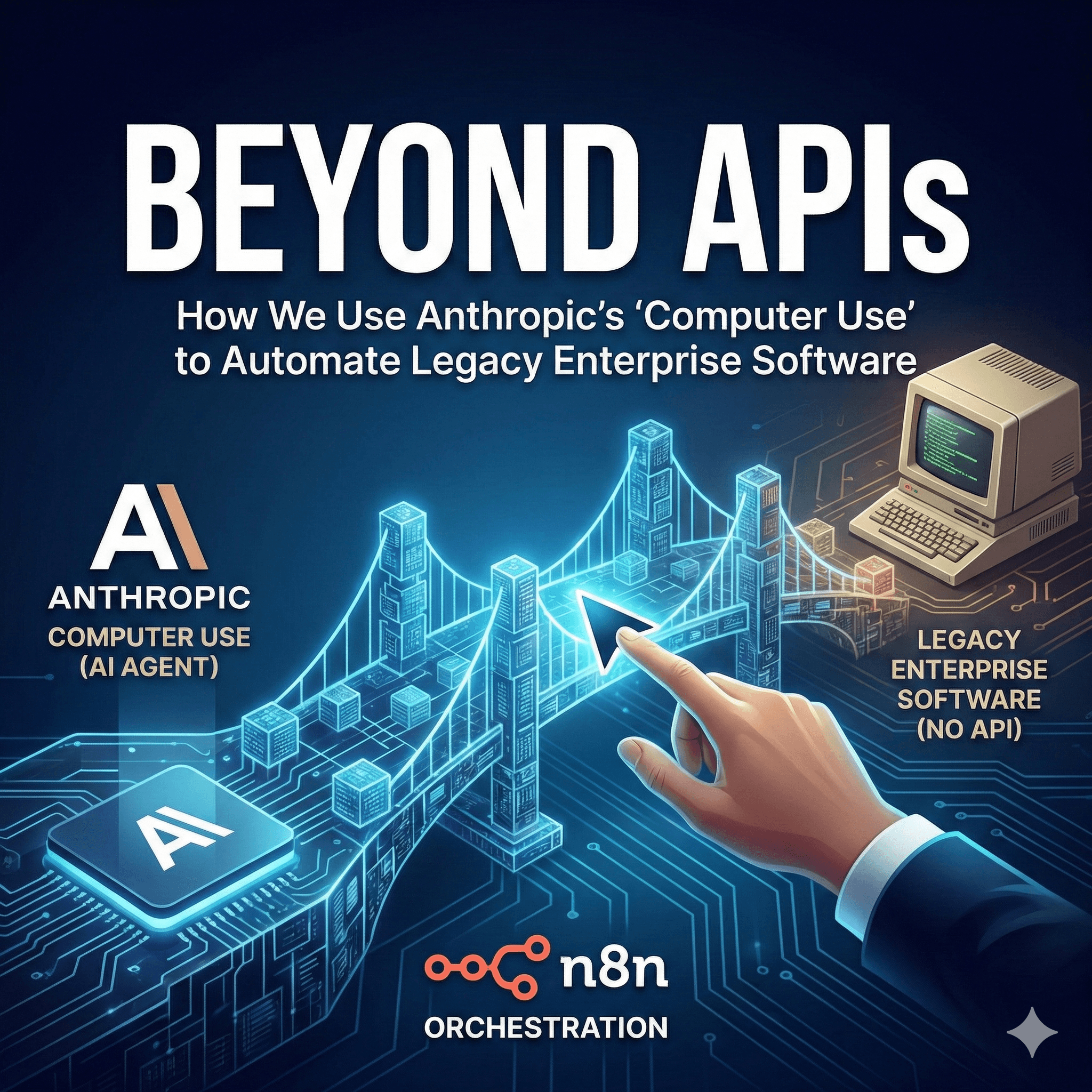
Beyond APIs: How We Use Anthropic’s “Computer Use” to Automate Legacy Enterprise Software
In the world of digital transformation, there is a dirty secret most agencies won’t tell you: The most critical data often lives in systems that don't have an API.
Whether it’s a 15-year-old desktop ERP, a government portal, or a niche industry CRM, these "Black Box" systems create massive operational bottlenecks. Until recently, you had two choices: pay a team of humans for manual data entry or spend six figures on a custom RPA (Robotic Process Automation) build that breaks every time a UI element moves.
At Chronexa, we’ve pioneered a third way. By combining Anthropic’s "Computer Use" capabilities with n8n’s orchestration, we are now building "Visual Agents" that can navigate legacy software exactly like a human would—but with 10x the speed and 0% of the fatigue.
The Legacy Problem: Why Traditional RPA Fails
Standard RPA tools like UiPath or Blue Prism are "brittle." They rely on fixed coordinates or specific HTML selectors. If a pop-up appears or a button shifts three pixels to the left, the automation crashes.
Anthropic Computer Use changes the game because it doesn't "scrape" code; it understands images. It uses a vision-language model to:
See the screen (via high-frequency screenshots).
Reason about what it sees ("I need to click the 'Submit' button, which is currently obscured by a notification").
Execute mouse movements and keystrokes dynamically based on visual context.
The Chronexa "Glass Box" Architecture
We don't believe in locking your business logic inside a proprietary platform. Our solution for legacy automation is built on a Self-Hosted "Glass Box" stack that ensures your data never leaves your control:
Brain: Anthropic Claude 3.5 Sonnet (with Computer Use beta).
Orchestrator: n8n (Self-hosted for data security and transparency).
Execution Environment: A secure, containerized virtual desktop (Docker/VNC).
Verification: A secondary AI layer to audit every action for 100% accuracy.
The Workflow Logic (The Blueprint)
Trigger: New Entry in HubSpot / Received Email
n8n Workflow: Initiates secure session
Virtual Environment: Spins up a Headless Linux/Windows Container
Visual Agent: Claude logs into the Legacy ERP using encrypted credentials
Action: Performs visual search and locates the specific customer record
Execution: Data sync via simulated mouse/keyboard inputs
Verification: Final screenshot analysis to confirm "Success" state
Logging: Session closes and updates Slack/HubSpot with a timestamped report
Step-by-Step: How We Built the "No-API" Bridge
1. Environmental Isolation
Security is our primary concern. We never run computer-use agents on your primary workstations. Instead, we deploy a Headless Container. This environment acts as a "sandbox" where the AI can move the mouse and type without interfering with your team’s actual work.
2. High-Frequency Visual Feedback Loops
Unlike a standard script, our Anthropic-powered agents operate in a continuous loop:
Step A: Take a screenshot of the current UI.
Step B: Send screenshot to Claude for "Eyes-on" analysis.
Step C: Claude returns a specific coordinate or key command.
Step D: The system executes, then takes another screenshot to verify the action worked as intended.
3. Autonomous Error Recovery
What happens if the legacy software throws an "Unexpected Error 404" pop-up? A traditional bot would stop and wait for a human. A Chronexa Visual Agent reads the error message, realizes it just needs to click "OK" and refresh the page, and continues the task. This reasoning-based recovery is why our systems boast significantly higher reliability than legacy scripts.
Real-World Application: Automating Property Data
Consider a firm that manually copies data from PropertyScope or Association Reserves reports into their internal management software. These portals often use complex, Java-based interfaces from the mid-2000s with zero API accessibility.
The Chronexa Solution:
We built an n8n workflow that triggers whenever a new PDF report is received.
Claude parses the PDF for key data points (Reserve fund totals, asset life cycles).
The Computer Use Agent opens the portal.
It navigates through complex menus to find the specific property ID.
It accurately types the data into the form fields and clicks "Save."
The Result: 40 hours of manual labor per month reduced to 2 minutes of automated background processing.
Why "Glass Box" Matters for Enterprise Security
Most AI "wrappers" send your data to their servers, and you never see how the automation is actually handled. Because Chronexa builds on n8n, you own the source code.
Data Residency: Your data stays on your Virtual Private Cloud (AWS/Google Cloud).
Transparency: You can see every "node" in the workflow and every screenshot the AI took.
Cost Control: You pay for the API usage, not a "per-user" SaaS fee that scales aggressively with your growth.
How to Get Started with Legacy Automation
Legacy software is no longer an excuse for manual operations. If your team is spending more than 5 hours a week moving data between systems that "don't talk to each other," you are losing money on every keystroke.
The Chronexa Audit:
Identification: We find your highest-friction "No-API" workflows.
Feasibility: We test the UI complexity against Anthropic’s latest vision models.
Deployment: We build your custom Visual Agent in a secure, self-hosted n8n environment.
Stop fighting your software. Start automating it.
Book a Strategy Call with Chronexa | View our Automation Case Studies
Technical FAQ
Q: Is Anthropic Computer Use safe?
A: Yes. We use restricted permissions so the AI can only access the specific application required. It has no access to your broader network or sensitive system settings.
Q: What is the latency like?
A: Because the AI "thinks" between screenshots, it is slower than a direct API but significantly faster and more accurate than a human. It averages 5-10 seconds per complex UI interaction.
Q: Does this work with Windows-only software?
A: Absolutely. We use Dockerized Windows environments to host the software, allowing Claude to interact with it via the VNC protocol.
About author
Ankit is the brains behind bold business roadmaps. He loves turning “half-baked” ideas into fully baked success stories (preferably with extra sprinkles). When he’s not sketching growth plans, you’ll find him trying out quirky coffee shops or quoting lines from 90s sitcoms.

Ankit Dhiman
Head of Strategy
Subscribe to our newsletter
Sign up to get the most recent blog articles in your email every week.