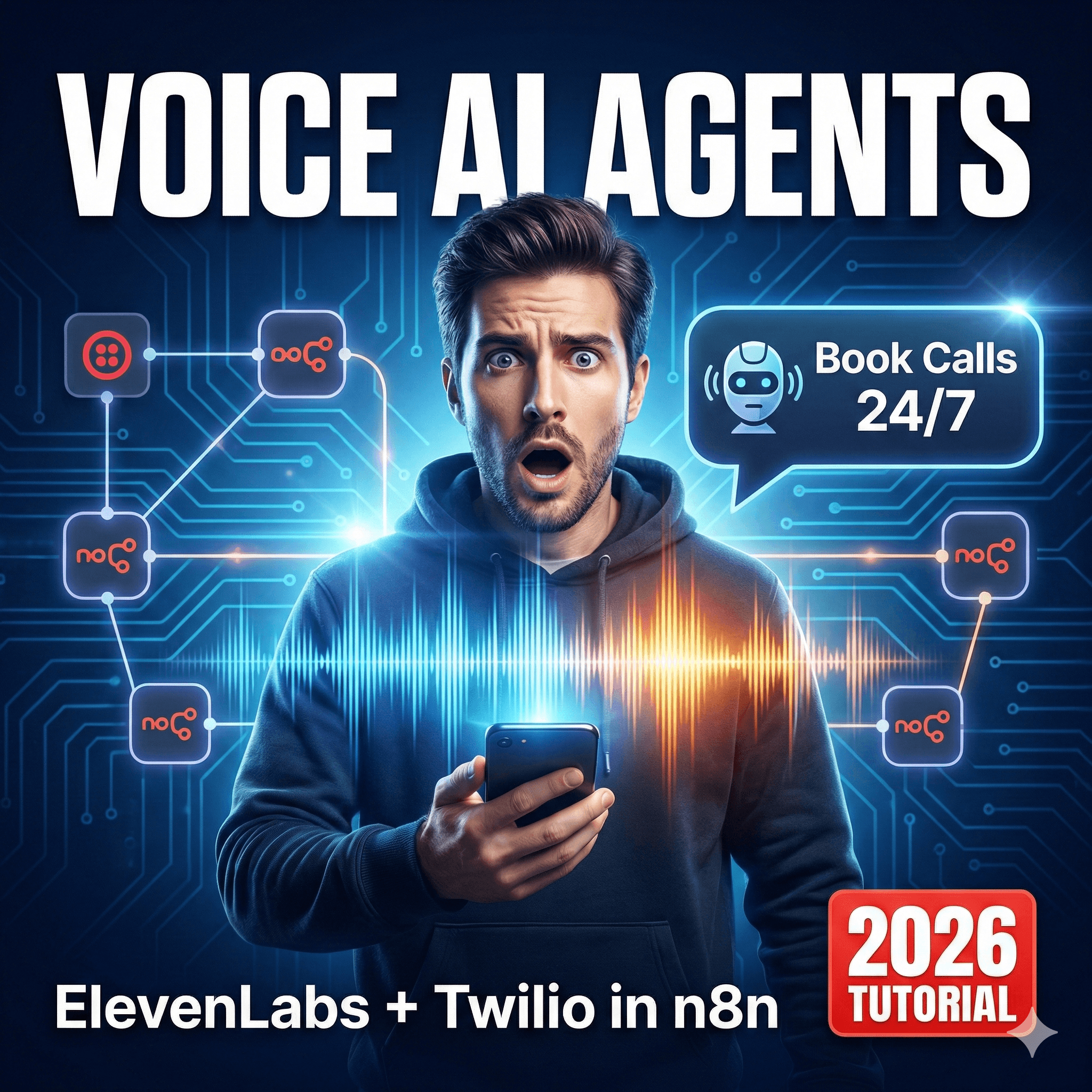
n8n Voice AI Agent: ElevenLabs + Twilio Tutorial (2026)
n8n voice automation combines telephony providers like Twilio with generative AI voice models from ElevenLabs to create conversational phone agents. Unlike rigid IVR trees, these agents understand natural language, query live databases, and respond with hyper-realistic human speech in real-time.
Voice is the final frontier of interface design. For the last decade, we have forced users to tap screens and navigate endless "Press 1 for Sales" menus. But in 2026, the technology stack has finally matured enough to allow for seamless, conversational voice interactions that don't sound robotic.
For technical founders and product teams, building a voice agent is no longer a six-month R&D project. With n8n voice automation, you can orchestrate the entire telephony stack—listening, thinking, and speaking—in a visual workflow that integrates directly with your CRM and calendar.
This tutorial is a comprehensive guide to building a production-grade Phone AI Agent. We will move beyond simple "text-to-speech" demos and build a fully interactive Appointment Booking Bot that listens via Twilio, reasons with GPT-4, speaks via ElevenLabs, and confirms bookings via SMS—all orchestrated by n8n.
What is n8n Voice Automation?
n8n voice automation is the architectural pattern of using n8n as the "central nervous system" for a phone call. Instead of using a closed SaaS platform (like Bland AI or Vapi) where you have limited control over the logic, n8n allows you to own the entire conversation loop.
The "Voice Loop" Architecture
To build a conversational agent, you must understand the four distinct stages that happen in milliseconds during a call:
The Ear (Twilio + STT): Capturing raw audio from the phone line and converting it to text.
The Brain (LLM): Analyzing the text, checking calendars, and generating a text response.
The Mouth (ElevenLabs): Converting that text response into realistic audio.
The Delivery (Twilio): Playing that audio back to the caller.
Why Build vs. Buy?
Cost: SaaS voice API wrappers charge markup on every minute. With n8n voice automation, you pay raw provider rates (Twilio: ~$0.01/min, OpenAI: pennies).
Context: Your agent needs access to your internal Postgres DB or HubSpot CRM. n8n has native access; external tools require complex syncing.
Customization: You can switch models (e.g., from GPT-4o to Claude 3.5) or voice providers (ElevenLabs to OpenAI Voice) instantly.
Prerequisites and Setup
Voice automations are sensitive to latency. A 3-second delay feels like an eternity on a phone call. Ensure your stack is optimized.
1. n8n Infrastructure
Self-Hosted Recommended: While n8n Cloud is fast, hosting on a local server (or close to your Twilio region) reduces network hops.
Webhook Tunnels: If developing locally, you must use the n8n tunnel (
--tunnel) or ngrok so Twilio can hit your workflow.
2. Account Requirements
Twilio: An active phone number with Voice capabilities.
ElevenLabs: An API key with a high-quality "Turbo" model enabled (v2.5 or v3 for lowest latency).
OpenAI: API key for Whisper (transcription) and GPT-4o (reasoning).
3. The "Voice"
Go to ElevenLabs and clone a voice or select a pre-made one.
Crucial: Copy the
Voice ID. You will need this for the API node.
[Screenshot: ElevenLabs Voice Lab dashboard highlighting the 'Voice ID' copy button]
Step 1: Twilio Configuration (The Gateway)
The workflow starts when a human calls your Twilio number. We need to tell Twilio, "When a call comes in, send the data to n8n."
Configure the Webhook
Create a new n8n workflow.
Add a Webhook node.
HTTP Method: POST
Path:
voice-bot-entry
Copy the Production URL.
Update Twilio Active Number
Log in to the Twilio Console -> Phone Numbers -> Manage -> Active Numbers.
Select your number.
Scroll to Voice & Fax.
A Call Comes In: Webhook.
Paste your n8n URL.
HTTP Method: HTTP POST.
Initial TwiML Handshake
When the call connects, n8n must immediately respond with TwiML (Twilio Markup Language) to record the user's speech.
Node: Webhook (from above).
Action: Add a Respond to Webhook node immediately after.
Response Body:
XML
Explanation: This greets the user and then starts recording. The
actionURL is a second webhook in n8n where the real logic happens.
Step 2: Speech-to-Text (The Ear)
Now we need a second workflow (or a second webhook branch) to handle the action URL defined above. This triggers when the user stops speaking.
The Processing Webhook
Create a Webhook node (Method: POST, Path:
voice-processing).Input Data: Twilio sends the recording URL as
RecordingUrl.
Downloading the Audio
Twilio doesn't send the file; it sends a link.
Node: HTTP Request.
Method: GET.
URL:
{{ $json.body.RecordingUrl }}.mp3Authentication: None (unless your Twilio media settings require it).
Response Format: File.
Transcription (Whisper)
Node: OpenAI.
Resource: Audio.
Operation: Transcribe.
Input: Binary File (from previous node).
Model:
whisper-1.Result: You now have a text string: "I'd like to book an appointment for Tuesday."
Step 3: The Brain (LLM Reasoning)
Now that we have text, we treat this like any other n8n voice automation chat bot.
Context Retrieval
If this is a returning caller, fetch their details.
Node: HubSpot/Postgres.
Operation: Get by Phone Number (
{{ $json.body.From }}).Output: User Name, Past Appts.
The AI Agent Node
Node: AI Agent.
Model: GPT-4o (or GPT-4o-mini for speed).
System Prompt:
"You are a helpful dental receptionist. The user is on the phone. Keep responses short (under 2 sentences) and conversational. Do not use emojis. Current availability is: Mon-Fri 9am-5pm."
User Message:
{{ $json.text }}(The transcription).
Critical Logic:
The AI needs to know if the conversation is over.
Ask the LLM to output a JSON flag:
{"response": "Sure, Tuesday at 2pm works.", "end_call": false}.If
end_callis true, we will hang up later.
Step 4: Text-to-Speech (The Mouth)
This is where generic bots fail. We need high-fidelity audio, fast.
ElevenLabs Integration
Node: HTTP Request (ElevenLabs native node is good, but HTTP gives more control).
Method: POST.
URL:
https://api.elevenlabs.io/v1/text-to-speech/[VOICE_ID]Headers:
xi-api-key: [YOUR_KEY]JSON Body:
JSON
Optimization: Use the
turbomodel. It trades a tiny bit of quality for ~300ms latency reduction.
Uploading to Twilio (The Tricky Part)
Twilio cannot play raw binary audio from an API response directly in TwiML. It needs a URL to play from.
Node: AWS S3 (or Google Cloud Storage).
Action: Upload File.
File Name:
response_{{ $execution.id }}.mp3.ACL: Public Read.
Output: You get a public URL:
https://my-bucket.s3.amazonaws.com/response_123.mp3.
Step 5: Sending Audio Back (Closing the Loop)
We now respond to Twilio to play the file and listen again.
Node: Respond to Webhook (This closes the HTTP request from Step 2).
Body:
XML
The Loop:
Play Audio.
Record User.
Send to
voice-processingwebhook (Loop back to Step 2).
[Diagram: Circular flow chart showing Webhook -> Whisper -> LLM -> ElevenLabs -> S3 -> Twilio -> Webhook]
Real-World Example: Appointment Booking Bot
Let’s apply this n8n voice automation architecture to a real scenario: A Salon Booking Agent.
Additional Logic Needed: Tools
The LLM needs to actually book the slot, not just talk about it.
Add Tools to AI Agent: Connect a Google Calendar tool.
Tool Name:
check_availability.Tool Name:
book_slot.
The "SMS Confirmation" Handoff
Voice is great for negotiation, text is great for details.
Logic: When the user confirms ("Yes, book 2 PM"), the AI calls the
book_slottool.Post-Tool Logic:
Node: Twilio (SMS).
To:
{{ $json.body.From }}.Message: "Confirmed! Your haircut is set for Tuesday at 2 PM. Reply CANCEL to change."
Voice Response: "Great, I've booked that for you and sent a confirmation text. Anything else?"
CRM Sync
Node: HubSpot.
Action: Create/Update Contact.
Note: Log the full transcript summary to the contact's timeline so the human receptionist knows what happened.
Advanced: Latency & Interruption Handling
The workflow above works, but it has a delay (Latency = Transcribe Time + LLM Time + TTS Time + Upload Time). In n8n voice automation, optimizing this is the difference between a demo and a product.
1. Latency Optimization Tips
Warm Execution: Ensure your n8n instance is not sleeping (if serverless).
Parallel Processing: You can't parallelize much here as it's sequential, but ensure your S3 region is the same as your Twilio region (e.g., us-east-1).
Short Sentences: Instruct the LLM to write short sentences. ElevenLabs processes shorter text chunks faster.
2. Handling Interruptions (Barge-In)
Standard TwiML <Record> stops recording when the user is silent. But what if the user talks while the bot is speaking?
Twilio supports "Barge-In" (interruption) using the
<Gather>verb instead of<Record>.However, true full-duplex interruption requires a WebSocket connection (Twilio Media Streams), which is complex to implement in standard n8n workflows.
Workaround: Enable
input="speech"in TwiML. If the user starts talking, Twilio stops the audio playback and sends the input to the webhook.
Common Pitfalls and Fixes
1. The "Robotic Pause"
Issue: The user waits 4-5 seconds between turns.
Fix: Add a "Filler" audio file. Immediately after the webhook triggers, play a short generic audio ("Hmm, let me check that...") using Twilio's
<Play>before the computation finishes. Note: This requires advanced async handling in n8n or a separate Twilio queue.
2. Hallucinations on Phone Numbers
Issue: The AI mishears a phone number or spells it out weirdly.
Fix: In the System Prompt, instruct the AI: "When speaking phone numbers, add spaces between digits (e.g., 5 5 5, 0 1 9 9) to ensure correct cadence."
3. Infinite Loops
Issue: The user hangs up, but the bot keeps talking to voicemail.
Fix: Check the
CallStatusparameter from Twilio. If it iscompletedorbusy, terminate the workflow immediately using an If node.
Comparison: n8n Voice vs. Vapi.ai vs. Retell
Feature | n8n Voice Automation | Vapi.ai / Retell AI |
Setup Difficulty | High (Manual wiring) | Low (Pre-built) |
Control | Infinite (Custom logic/tools) | Medium (Restricted API) |
Latency | Medium (3-5s typ.) | Low (<1s) |
Cost | Cost of API Usage Only | ~$0.10 - $0.20 / min |
Data Privacy | High (Self-hosted) | Medium (3rd party processing) |
Best For | Complex Logic / Internal Ops | Simple Sales / Support Calls |
Conclusion
Building a n8n voice automation system using ElevenLabs and Twilio gives you the ultimate power: ownership. You are not renting an agent; you are building one that lives inside your infrastructure, accesses your databases securely, and scales at the cost of raw API credits.
While the latency challenges of HTTP-based voice agents are real, the ability to trigger complex workflows—like updating a CRM, sending an invoice, or querying a vector database—mid-call makes n8n the superior choice for B2B operations.
Start with the simple "Listen-Think-Speak" loop. Once you master that, the automated world is your oyster.
Want production-ready AI agents? Chronexa.io builds custom n8n multi-agent systems in 5-7 days. Book a free scoping call.
About author
Ankit is the brains behind bold business roadmaps. He loves turning “half-baked” ideas into fully baked success stories (preferably with extra sprinkles). When he’s not sketching growth plans, you’ll find him trying out quirky coffee shops or quoting lines from 90s sitcoms.

Ankit Dhiman
Head of Strategy
Subscribe to our newsletter
Sign up to get the most recent blog articles in your email every week.