You dig through six months of Slack messages to find proof that an engineer’s access was revoked on time. You frantically email HR for a list of new hires to cross-reference against your training logs.T
his manual scramble is not just exhausting; it is dangerous. In the high-stakes world of B2B SaaS, a "Qualified Opinion" (a failed audit) or a delay in receiving your report can freeze enterprise deals in their tracks. If you cannot prove to a Fortune 500 prospect that their data is safe today, they will simply buy from the competitor who can.
The traditional approach to evidence collection—scrambling for screenshots two weeks before the auditor arrives—is broken. The future is continuous compliance automation.
What Auditors Actually Want (It’s Not More Screenshots)
To automate successfully, you must understand the auditor's mindset.
Auditors do not enjoy wading through a disorganized Google Drive folder full of poorly named JPEGs. What they want is assurance. They need to know that your controls are operating effectively all the time, not just the day you took the screenshot.
When an auditor asks for evidence, they are looking for four specific traits:
Completeness: Did you provide the entire population of data? (e.g., "Show me every access change in Q3," not just a sample).
Accuracy: Can we trust the source? Is it a direct export or a manual copy-paste?
Timeliness: Does the evidence cover the entire audit period?
Chain of Custody: Who pulled this data, and when?
Consider this common scenario: An auditor asks, "Show me the access logs for the three employees terminated in Q3, proving their access was removed within 24 hours."
The Manual Way: You ask IT. IT opens a ticket. Two days later, they send a CSV. You format it. You send it to the auditor. Total elapsed time: 48 hours.
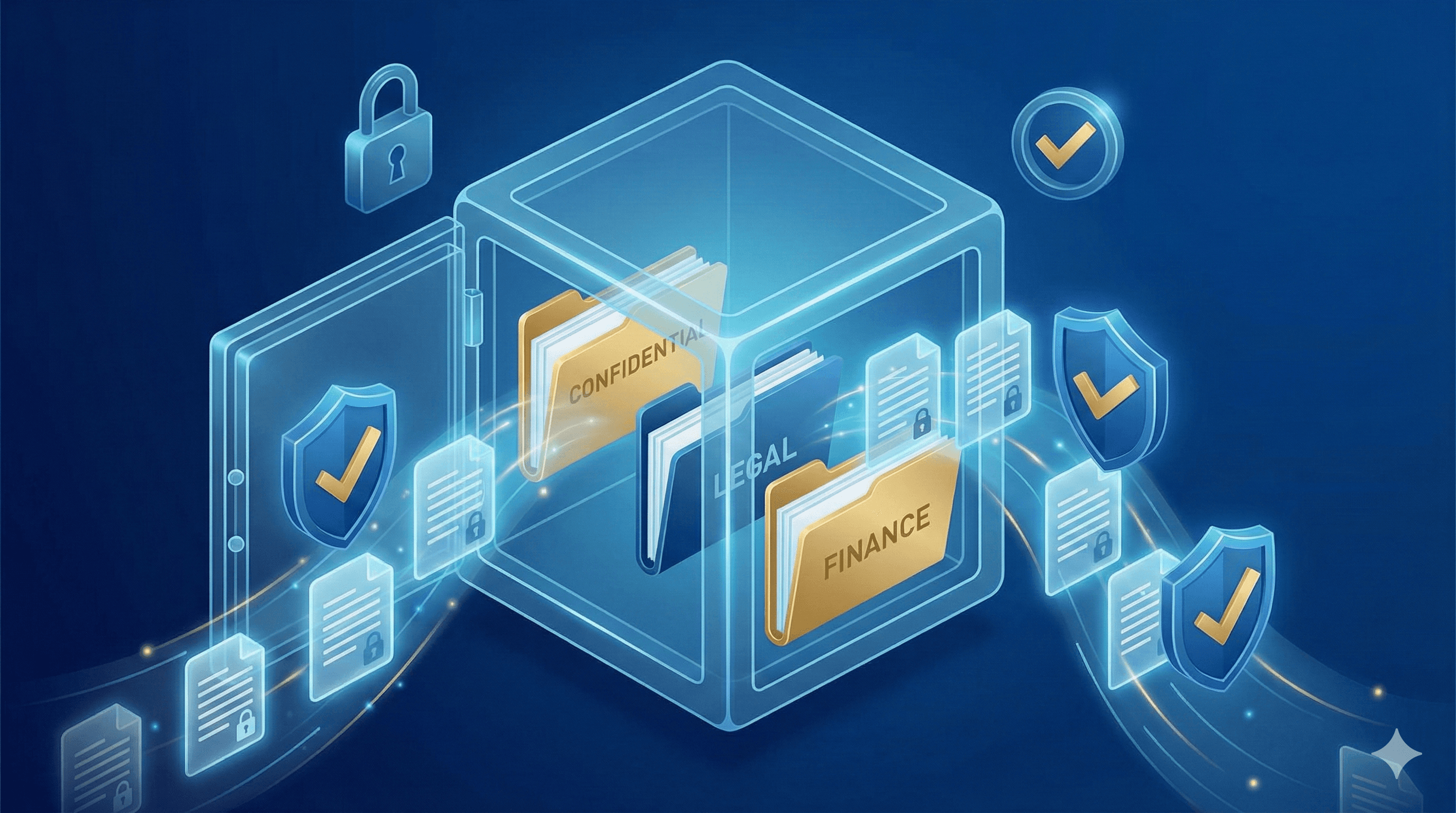
The Automated Way: You open your Evidence Vault. You filter by "Terminations - Q3." You see the timestamped logs generated automatically on the day of termination. You export the PDF. Total elapsed time: 5 minutes.
The Automated Evidence System: How It Works
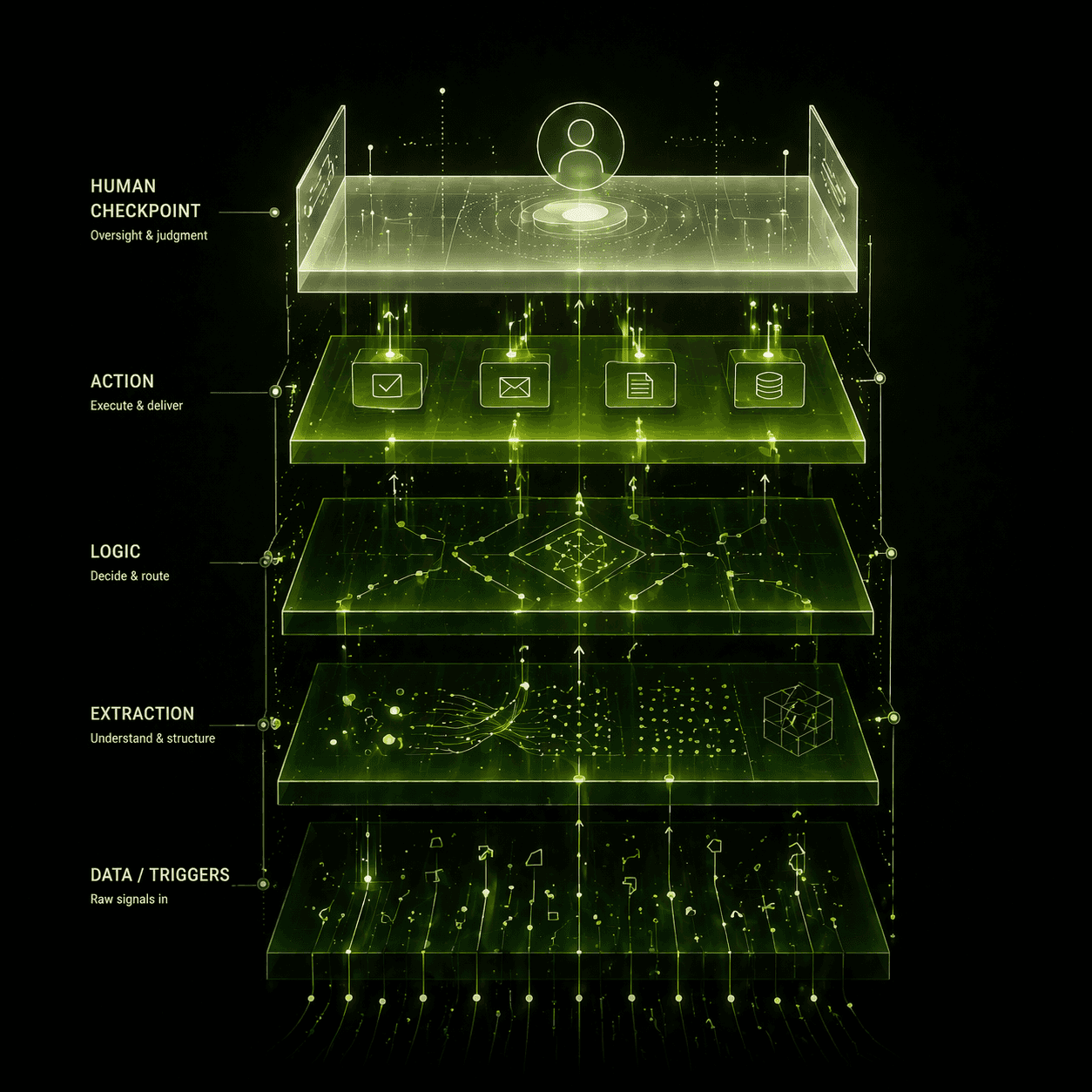
At Chronexa, we build automated evidence collection systems that sit quietly in the background, harvesting proof of compliance 24/7. We use n8n to orchestrate the flow, Google Workspace/AWS/Okta APIs as the source of truth, and Airtable as the centralized "Evidence Vault" mapped to your SOC 2 Trust Service Criteria (TSC).
Here is how we automate the five most painful evidence categories:
1. Access Control & User Lifecycle
The Requirement: Prove that new hires are granted correct access and terminated employees are revoked immediately.
The Automation: An n8n workflow listens for changes in your HRIS (e.g., BambooHR, Rippling).
Onboarding: When a new hire is added, the system logs the event in Airtable and triggers a ticket for IT provision. It then periodically polls Google Workspace/Okta to verify the account was created and logs the timestamp.
Offboarding: When a termination date is set, the automation monitors the user's status. As soon as the account is suspended, it captures a JSON dump of the user's status (showing
suspended: trueand the timestamp), saves it as a PDF, and links it to the "User Access Review" control in Airtable.
2. Policy Acknowledgments
The Requirement: Prove every employee read the Information Security Policy.
The Automation: Instead of chasing signatures, an automated Slack bot messages employees annually (or upon hire) with a link to the policy. When they click "I Acknowledge," the system captures their User ID, timestamp, and IP address, logging it directly into the Evidence Vault. No lost emails, no paper forms.
3. Security Training Completion
The Requirement: Prove 100% of staff completed security awareness training.
The Automation: We integrate with your LMS (like KnowBe4 or Vanta). The workflow runs weekly, checking for completions. It updates the employee roster in Airtable with "Training Status: Complete" and attaches the completion certificate. If an employee is overdue, the automation gently nags them on Slack—so you don’t have to.
4. Vendor Risk Management
The Requirement: Prove you assess the security of third-party vendors annually.
The Automation: The system tracks "Next Review Date" for every critical vendor. 30 days before the deadline, it creates a task for the compliance officer and emails the vendor a security questionnaire form. When the vendor replies, the form and attachments (like their SOC 2 report) are automatically filed in the Evidence Vault under "Vendor Management."
5. Incident Response
The Requirement: Prove you track and resolve security incidents.
The Automation: When an incident is flagged in Jira or PagerDuty, the workflow creates a linked record in the Evidence Vault. It forces the team to complete a "Post-Mortem" form before the ticket can be closed, ensuring the audit trail is created in real-time, not reconstructed months later.
Table: Common Evidence Requests & Automation Strategy
Evidence Request | Manual Method (The Pain) | Automated Approach (The Solution) |
User Access List | IT exports CSV from AD, Compliance formats it. | n8n pulls active user list from Okta API weekly; saves snapshot to Airtable. |
New Hire Access | Digging up Jira tickets for approval. | Automation links HRIS hire date to Jira ticket creation & completion timestamp. |
Terminated User Access | Screenshots of "Suspended" status. | Auto-capture of API log showing suspension time vs. termination time. |
Cloud Config (AWS) | Manual screenshots of S3 bucket settings. | AWS Config or CLI script runs daily; JSON output stored as evidence. |
Change Management | Finding PR approvals in GitHub. | Workflow links Jira ticket to GitHub PR; verifies "Approved" status before logging. |
Real-World Results: The "Zero-Finding" Audit
Moving from manual snapshots to continuous automation transforms the economics of compliance.
We recently implemented this architecture for a Series B healthcare technology firm with ~150 employees. They were facing their first SOC 2 Type II audit.
The Metrics:
Time Reduction: The compliance manager reduced evidence preparation time by 85%. Instead of blocking out two weeks for "audit prep," they spent roughly 2 hours a week maintaining the system.
Audit Readiness: When the external auditor asked for a sample of 25 change management tickets, the team provided the complete population, fully documented, in under 10 minutes.
Outcome: The company passed their SOC 2 Type II with zero exceptions/findings. The auditor explicitly noted the "maturity of the evidence repository" in their management letter.
Cost Efficiency: They considered hiring a full-time Compliance Analyst ($110k/year) or a "Compliance-as-a-Service" consultant ($15k/audit). The automated system cost roughly $700/month in software subscriptions and maintenance.
What We DON'T Automate:
It is important to be realistic. We do not automate the human judgment parts of compliance.
Risk Assessments: You still need to sit in a room and brainstorm risks. We just automate the storage of the report.
Control Design: Deciding what your password policy should be is a human decision. Enforcing it is a machine job.
Getting Audit-Ready: Start Early
If your audit is next month, you are likely too late to build a full automation engine for this cycle. But if your audit is 4–6 months away, now is the perfect time to start.
The "Crawl" Strategy:
Map Your Controls: Identify the top 10 evidence requests that take the most time (usually Access Reviews and Change Management).
Build the Vault: Set up an Airtable base structured by your framework's controls (e.g., CC1.1, CC6.1).
Automate One Flow: Start with User Onboarding/Offboarding logs. Getting this single piece right solves 40% of the auditor's questions.
Stop Working for the Auditor
Compliance should be a byproduct of good engineering, not a distraction from it. By automating evidence collection, you shift the power dynamic. You are no longer scrambling to answer the auditor's questions; you are handing them a key to a room where the answers are already waiting.
[Get a Compliance Automation Audit] We will review your current control stack and identify which evidence streams can be automated in under 2 weeks.
[Download Evidence Collection Template] Get our Airtable structure for organizing SOC 2 and ISO 27001 evidence.
About author
Ankit is the brains behind bold business roadmaps. He loves turning “half-baked” ideas into fully baked success stories (preferably with extra sprinkles). When he’s not sketching growth plans, you’ll find him trying out quirky coffee shops or quoting lines from 90s sitcoms.

Ankit Dhiman
Head of Strategy
Subscribe to our newsletter
Sign up to get the most recent blog articles in your email every week.